LevelUp Help Docs
Getting Started
Automation
Calendars
Contacts
Conversations
Integrations
Marketing
Custom Unsubscribe Links In Email Builder
Email Statistics
Follow Up Comment
Google My Business Publishing Troubleshooting
Grouping of Social Media Profiles
Hide Email Elements on Mobile View
How to change the Content of An Ongoing Email Campaign
How to check your Instagram profile type
How to connect Instagram Business account with Social Planner
How to connect to Twitter
How to connect to your Facebook Group
How to connect to your Google My Business Location(s)
How to Import Email template(s) from Mailchimp
How to Post as Page on Facebook Groups
RSS Blocks In Email Builder
Send Email Trigger Action Not Firing
Trigger Links - Overview
Using custom fonts in the Email Builder
What's ideal Image and Video File Size and Dimensions in Social Plan
Opportunities
Payments
Phone
Reporting
Reputation
Settings
Sites
LevelUp Help Docs
/
Marketing

Follow Up Comment

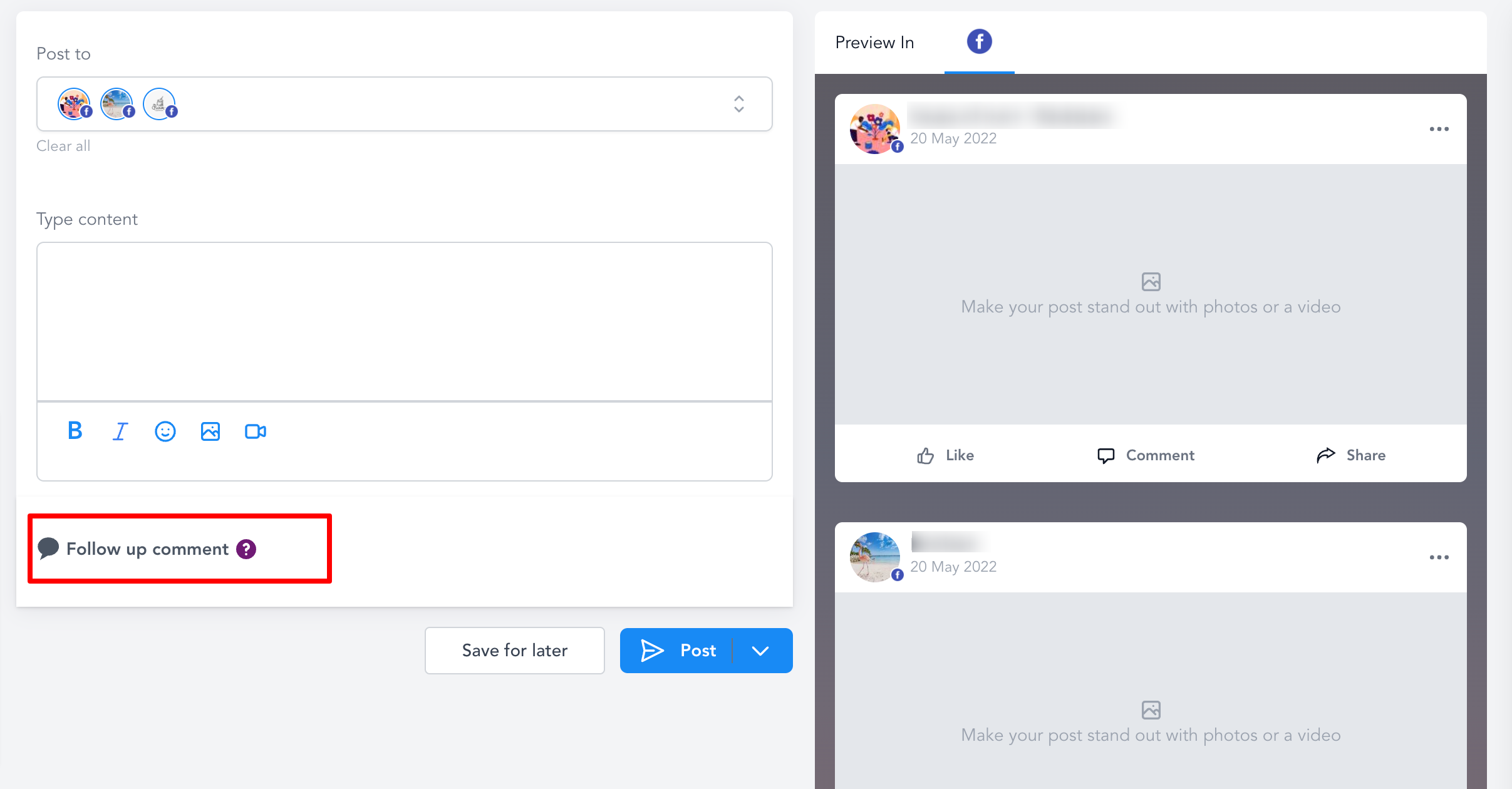
Follow up Comment Social media experts always know the skill of engaging with their followers. Follow up comment is first automated comment which is posted out on social media.
Follow up Comment work for following social type
  1. Facebook Page
  1. Facebook Group - It requires publisher type as Facebook Page (Selection in the Social Planner Settings of Publish as needs to be Facebook Page in the dropdown)
  1. Instagram Business Account
  1. Linkedin Profile
  1. Linkedin Page
Image without caption
Email Statistics
Google My Business Publishing Troubleshooting

Powered by Notaku
Helpful?
Share