Launchpad
Use the Launchpad to quickly and easily integrate LevelUp with external services.
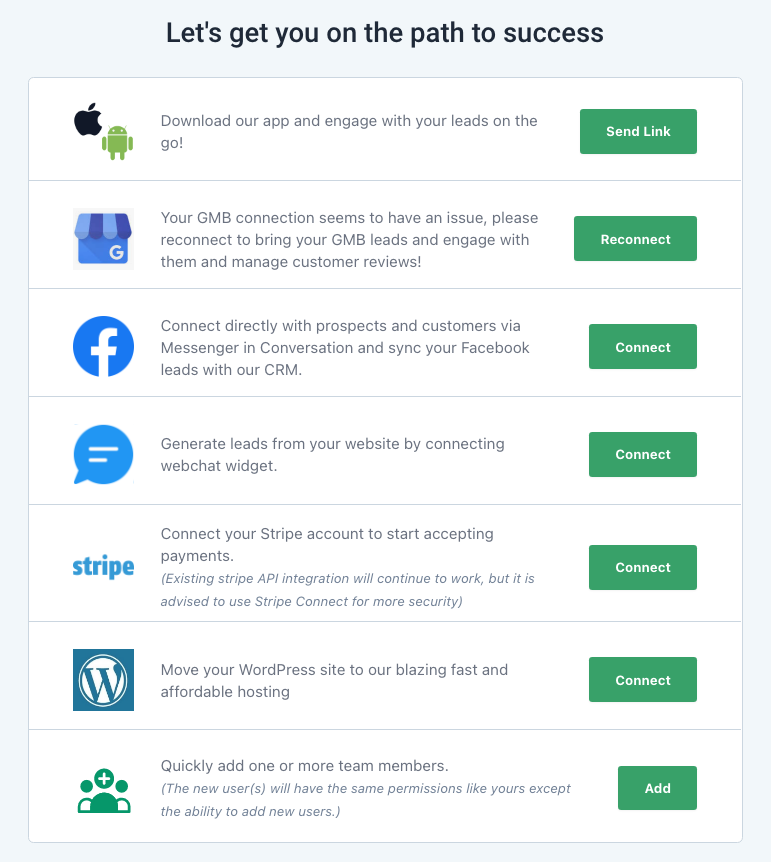
Under “Settings” you’ll find a number of options
Company Info
Ensure your company contact and address data is updated and accurate.
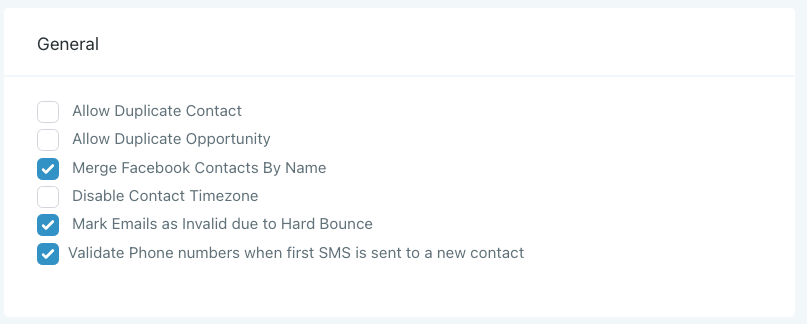
Under ‘General’, you can leave all boxes unchecked, but we suggest selecting the options as shown in the image below.
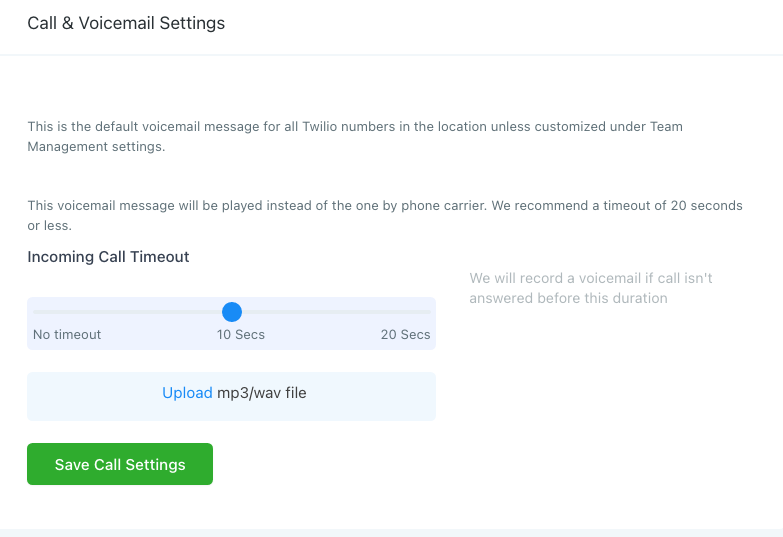
In Call & Voicemail Settings, we recommend a timeout of ~10 seconds. Click ‘Upload’ to select the mp3 file you’d like to use as a voicemail message.
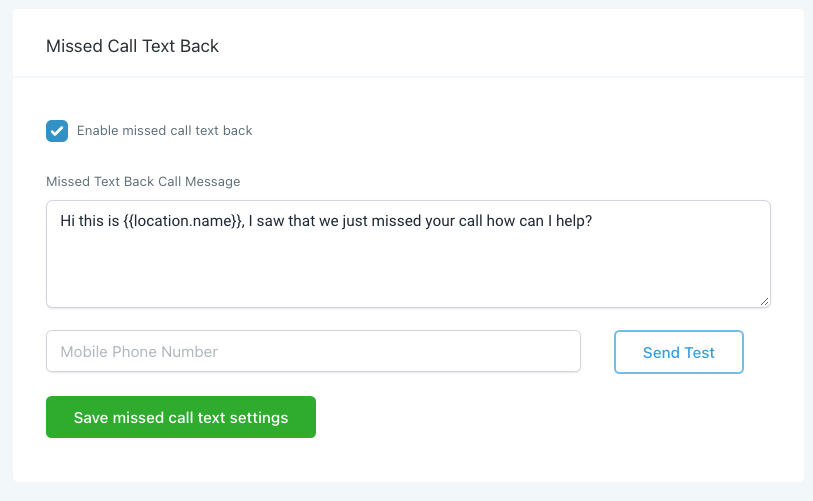
Create a Missed Call Text Back to automatically respond to new calls, even when you can’t pick up the phone.
Profile
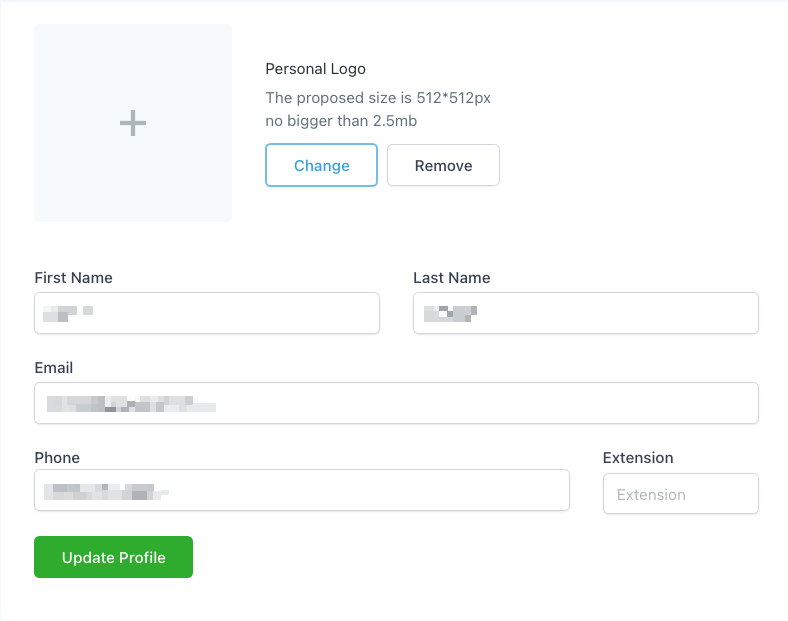
Enter your personal contact details and a photo for your profile.
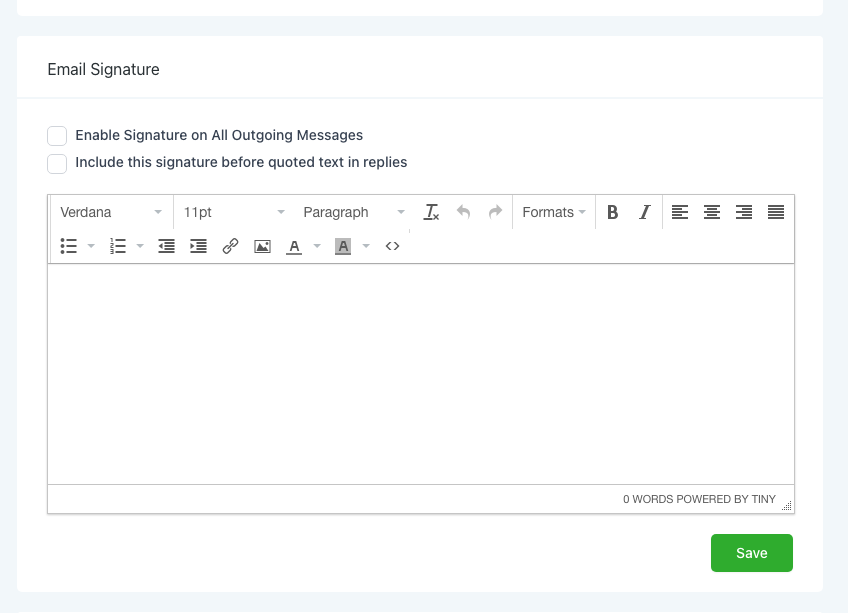
Design or import a signature.
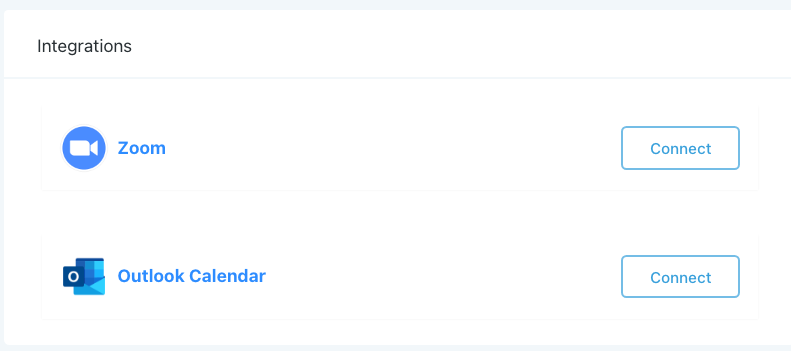
Integrate with Zoom and/or Outlook Calendar
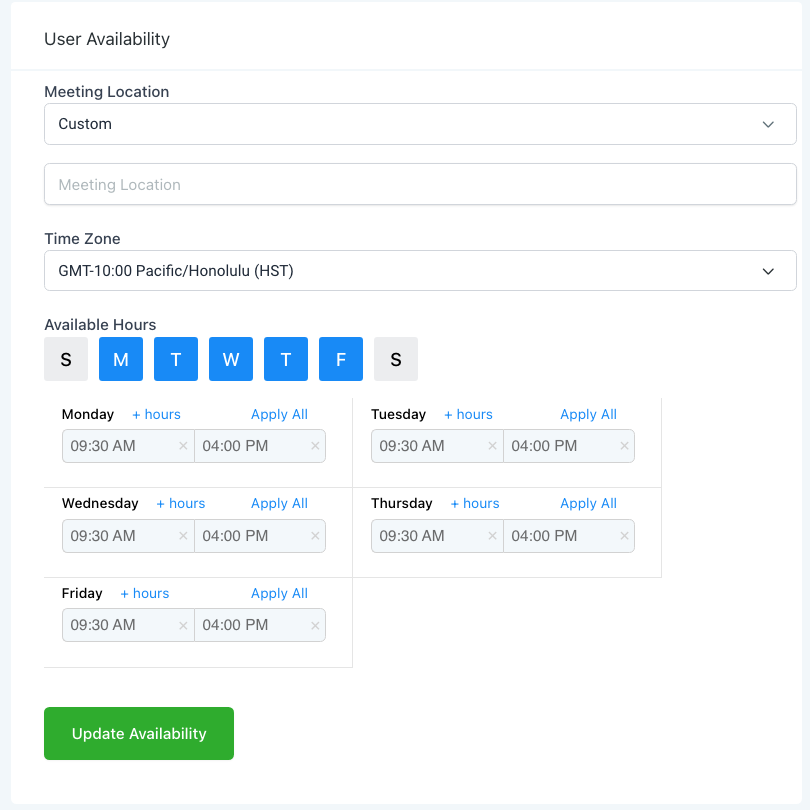
Set your custom availability. Calendars will automatically recognize your availability for round robin, or service based calendars.
Team
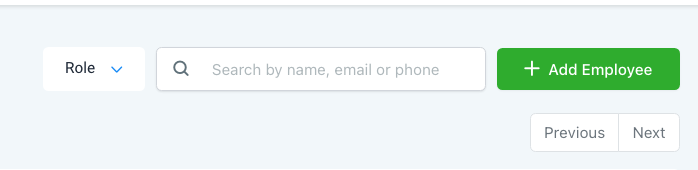
Click Add Employee to create a new user account.
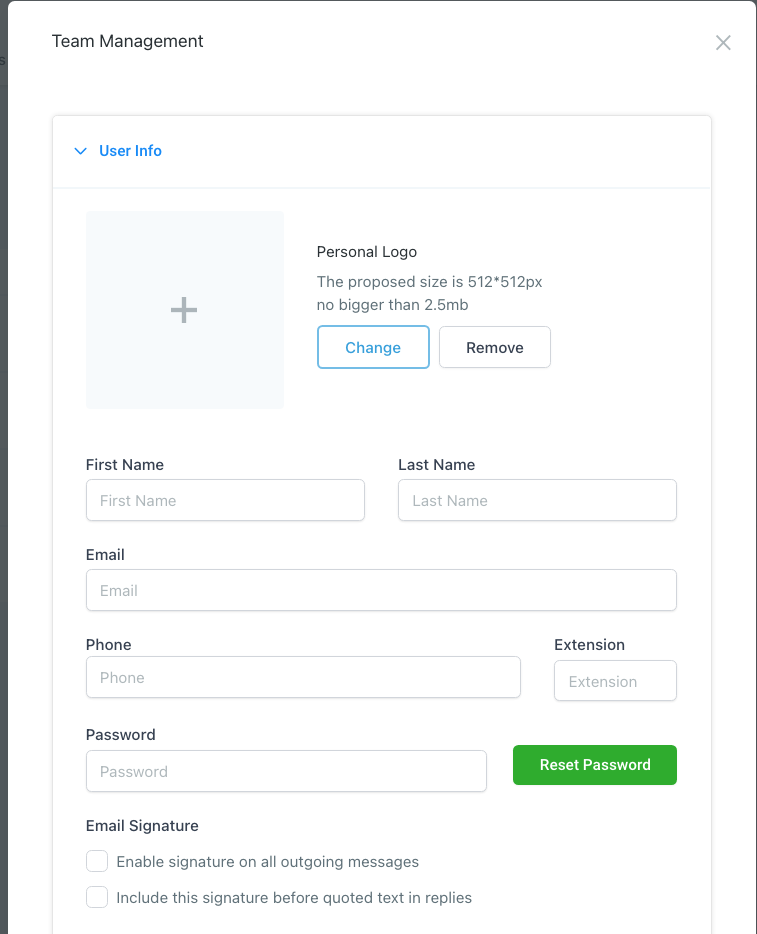
Enter user info, and set a temporary password.
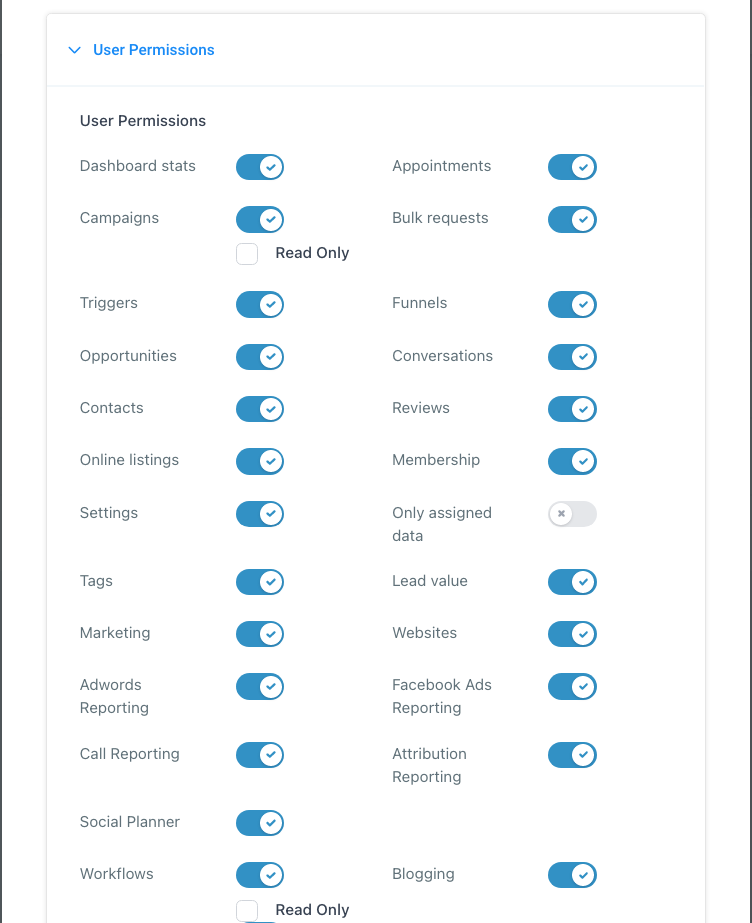
Select which permissions for the user to have.
Domain
To use your custom domain on web pages, you need to connect it with your domain host.
You can add your parent domain, or a subdomain like: ‘menu.fancyrestaurant.com’.
At your domain host make sure to have either an A record pointing to
34.68.234.4
or a CNAME record pointing to flash.funnels.msgsndr.comfor your domain.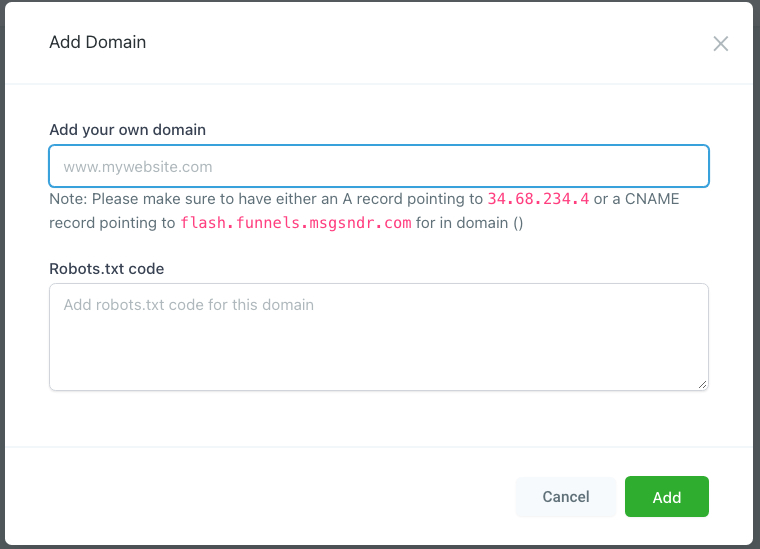
Phone
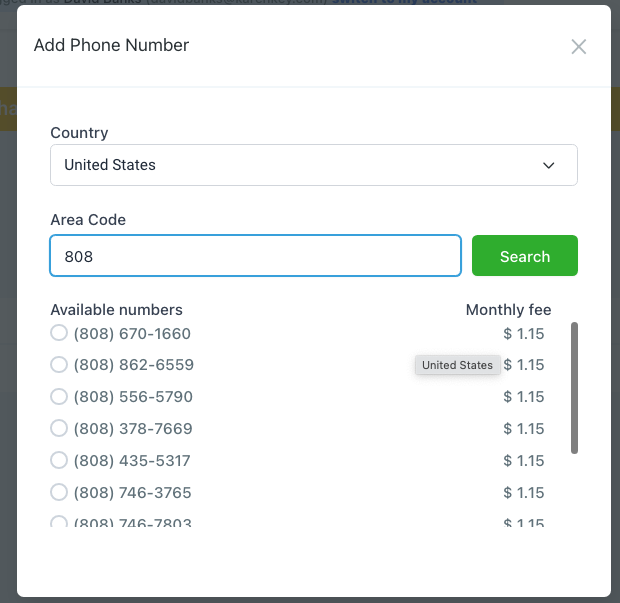
Add a new number, search for your local area code, and select your choice.
You can set up a general business number, as well as forwarding numbers for each member of the team for only $1.15 each/mo.
Integrations
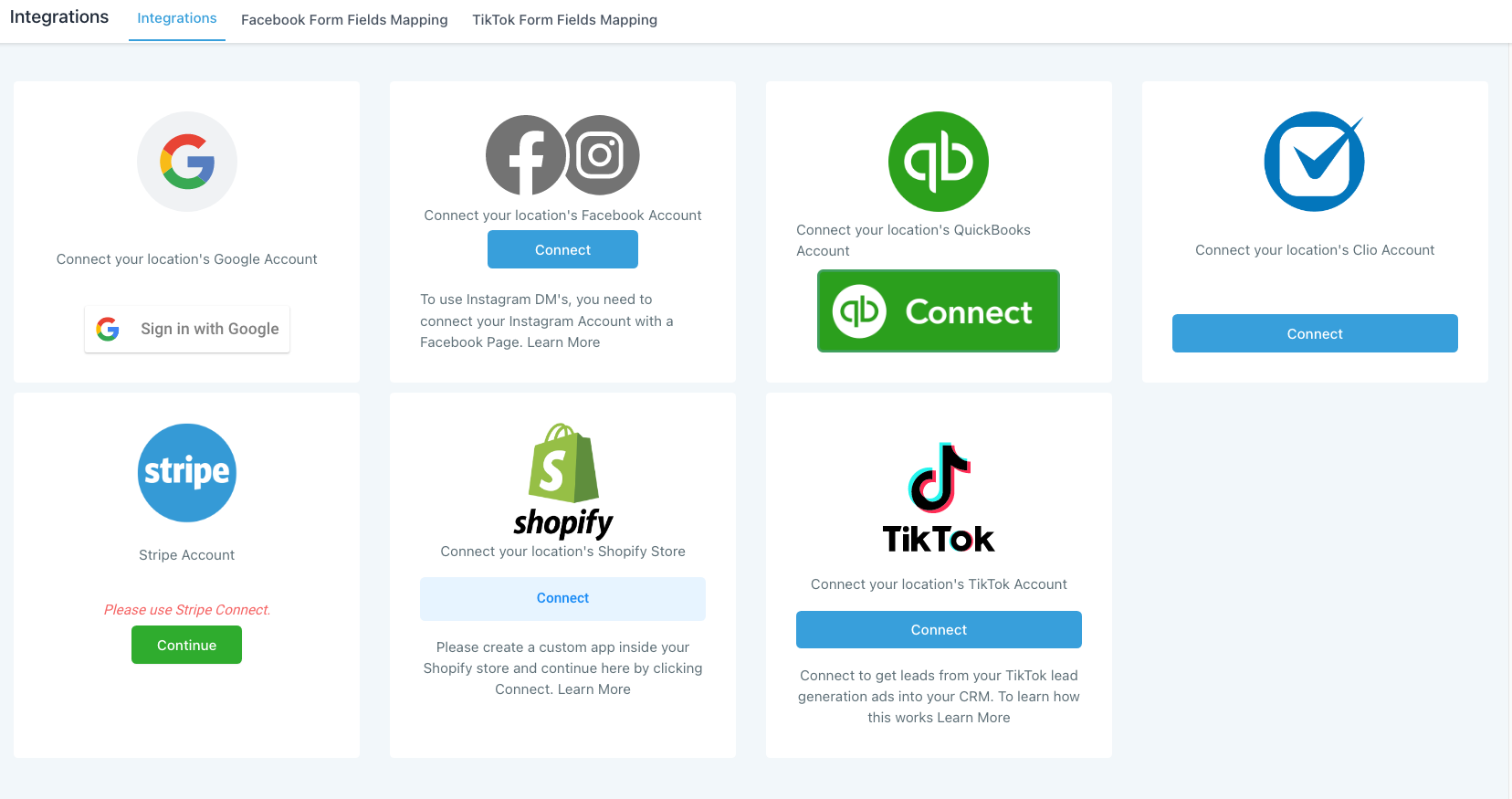
You can manage your integrations from this dashboard such as your Google My Business, Google Analytics, Facebook Messenger, Instagram, Stripe, Quickbooks, TikTok, as well as map form fields from Facebook and TikTok lead ads.
If you run a Shopify store, you’ll be pleased to hear that our system integrates with Shopify directly to handle your customer communication and eCommerce pipelines.