Custom Unsubscribe Links In Email Builder
Custom Unsubscribe Links In Email Builder
To create custom Unsubscribe Links in the LevelUp email builder:
1. Create a landing page with messaging you want people to see when they unsubscribe
2. Use the url to the landing page from Step 1 to make a Trigger Link
3. Replace the default unsubscribe link url with the Trigger Link
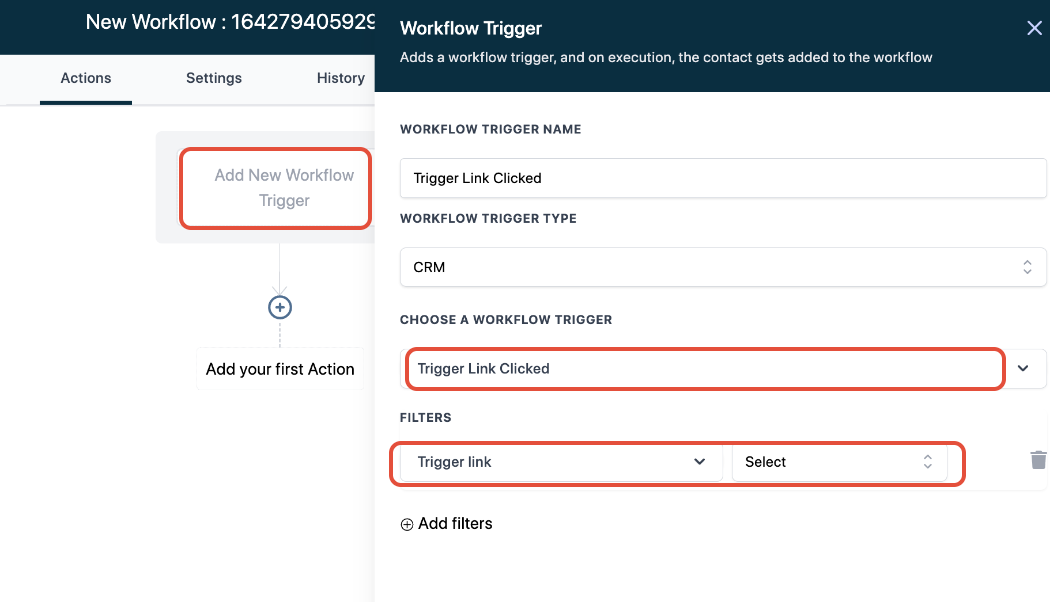
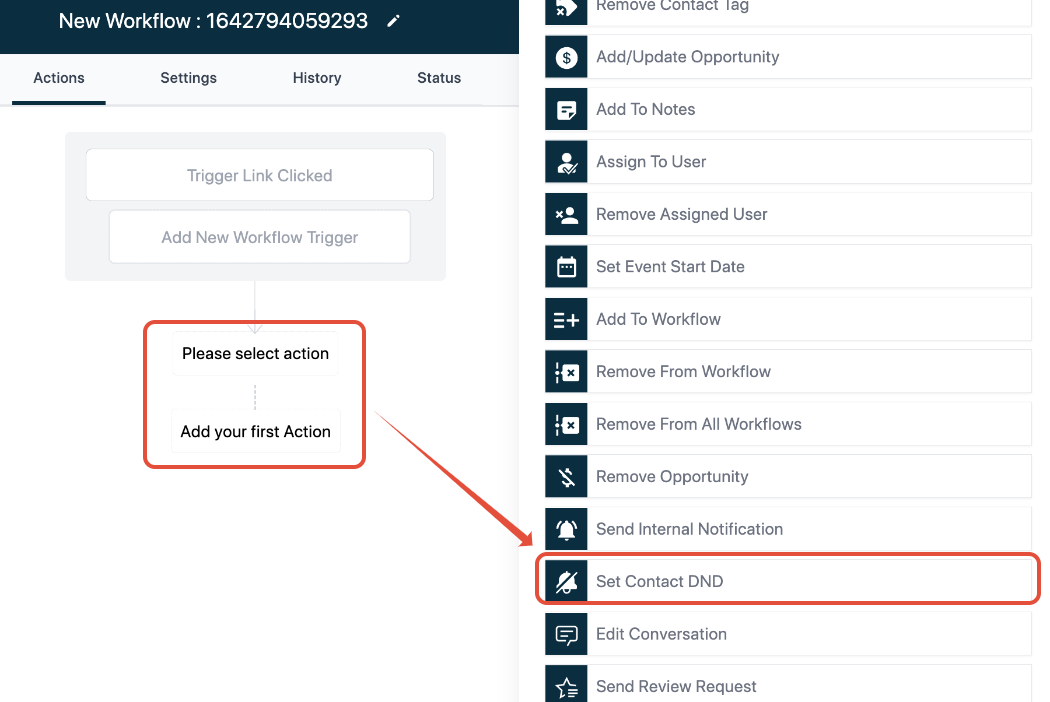
4. Create a Trigger that uses “Trigger Link Clicked” as the condition and “Set Contact DND” as the action
New UI update:
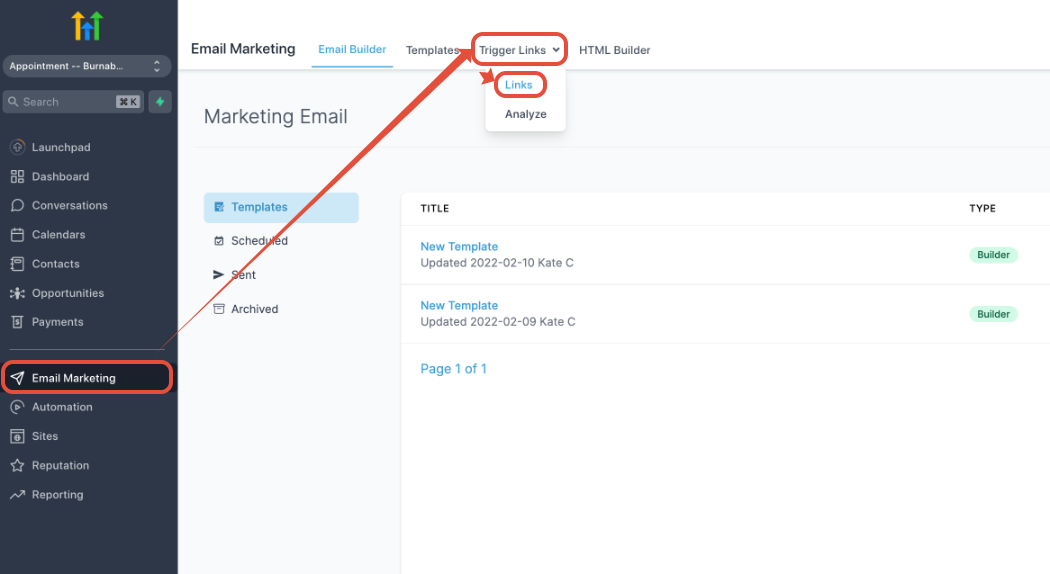
Email Marketing -> Trigger Links -> Links
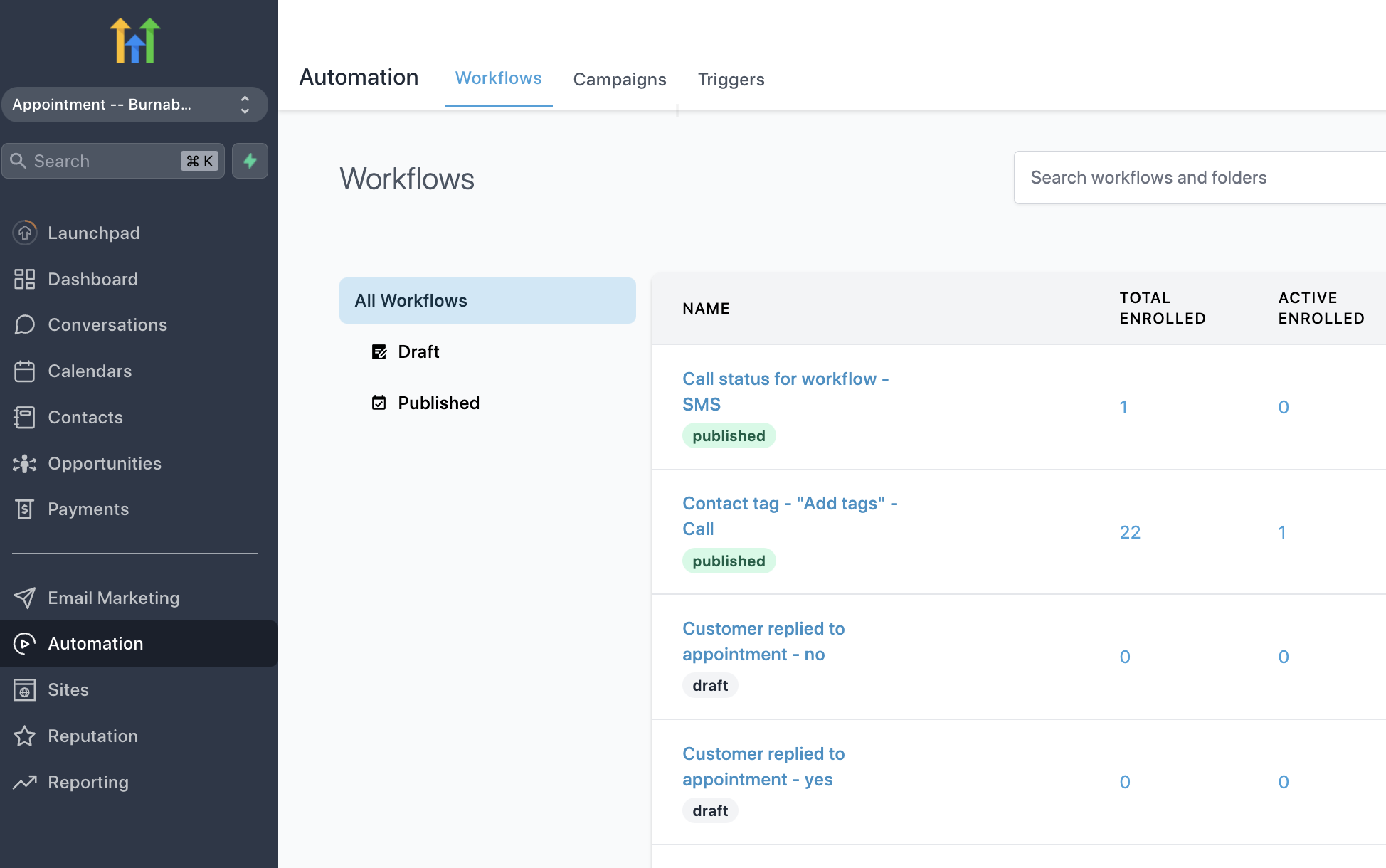
Automation -> Workflows