FAQ's
How do I view the status of my bulk actions?
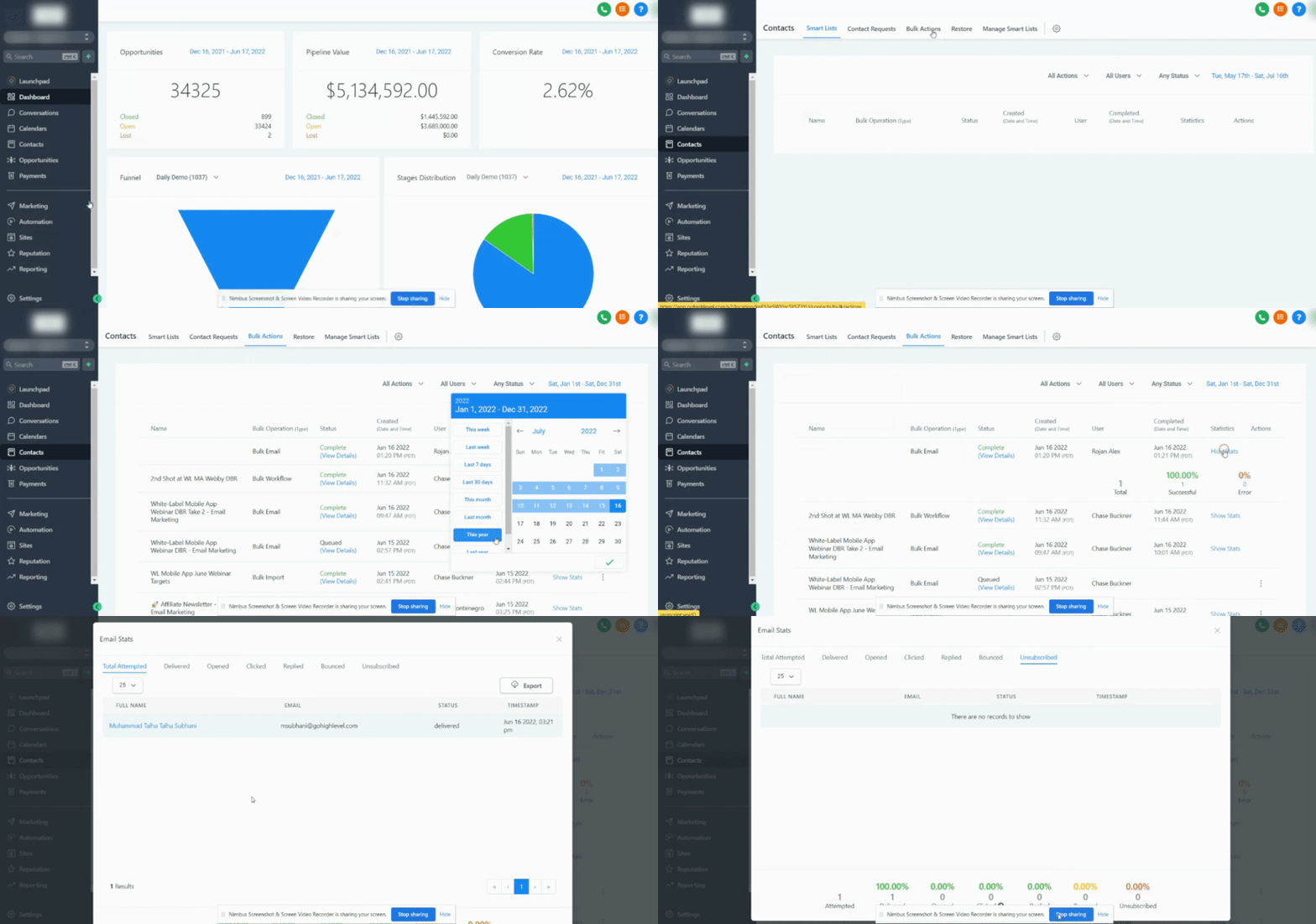
To view the status of a Bulk Action, go to Contacts > Bulk Actions > Click on the 3 dots Tab where you can view the status and/or pause the action.
What are the rate limits for:
Add in d rip mode:
- Frequencies of 30 sec - 1 min: 1,000 messages per minute
- Frequencies of 5 min: 4,999 messages per minute
- Frequencies of 6 min - 10min: 5,000 messages per minute
- Frequencies of Above 10 min: 10,000 messages per minute
Add all at once & Add all at a scheduled time:
- Less than 10k - we process - 15k contacts per hour
- More than 10k but less than 50k - we process - 6k contacts per hour
- More than 50k but less than 70k - we process - 3k contacts per hour
- More than 70k - we process - 1.5k contacts per hour
How far in advance can we schedule bulk actions?
Bulk Actions cannot be scheduled to run more than 720 hours in the future (approximately 30 days)