Search
⌘
K
LevelUp Help Docs
Getting Started
Automation
Calendars
Contacts
Adding Files To Contacts
Allow duplicate contact explained
Automatically Merge Facebook Messenger Contacts With LevelUp
Bulk Actions For Contacts & SmartLists
Getting Started With Smart Lists
How to restore deleted contacts
Importing Contacts List
Conversations
Integrations
Marketing
Opportunities
Payments
Phone
Reporting
Reputation
Settings
Sites
LevelUp Help Docs
/
Contacts
Adding Files To Contacts
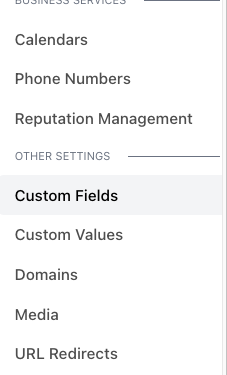
Navigate to Custom Fields in the Settings Menu and Add a new field.
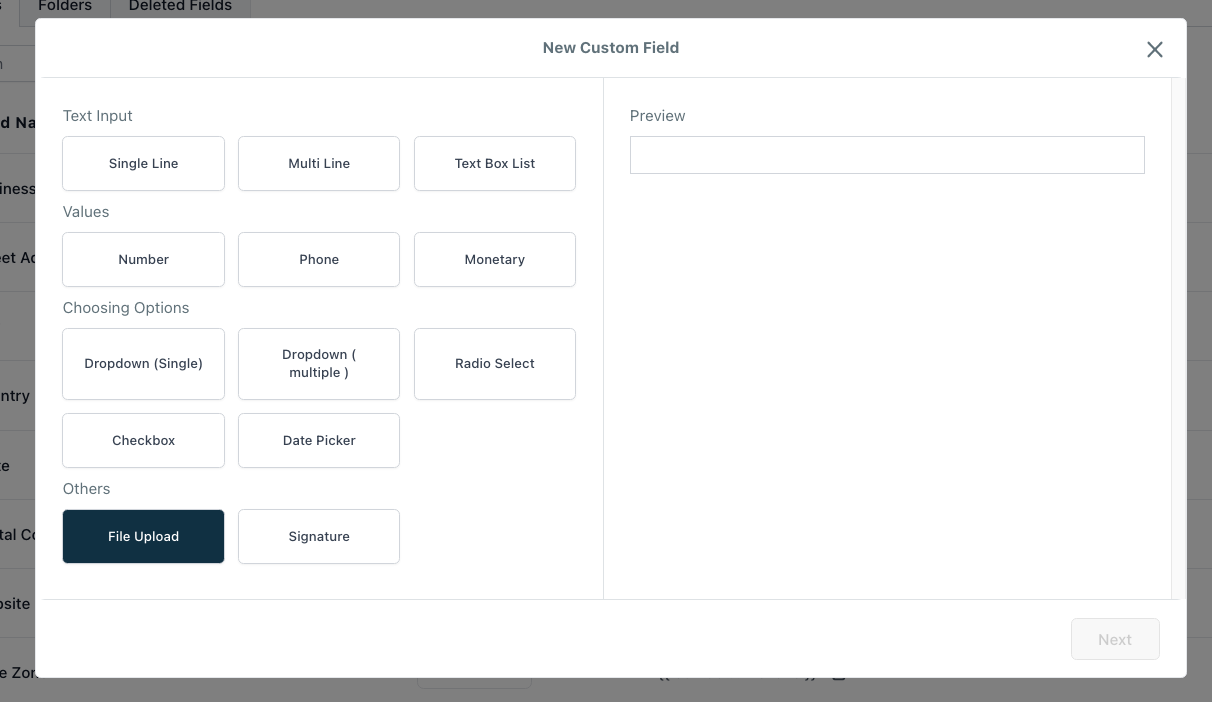
Choose “File Upload” for field type.
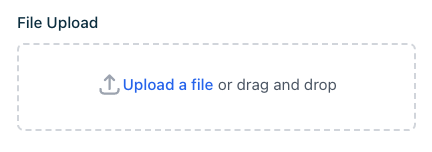
Under each contact you can find the new File Upload field you created.
Contacts
Allow duplicate contact explained
Powered by
Notaku
Helpful?
Share