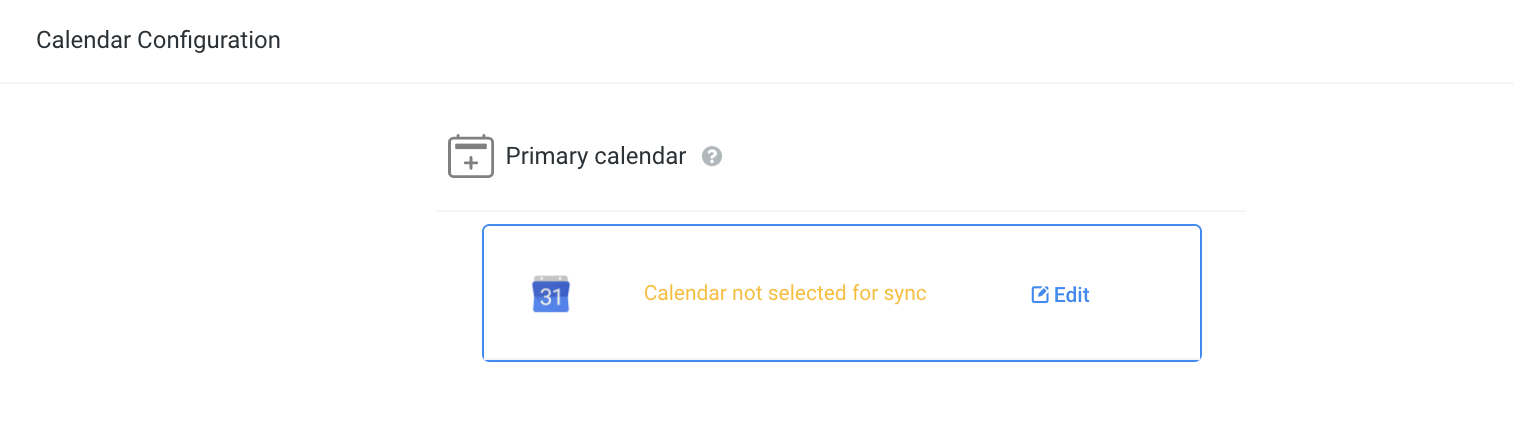
How to fully re-integrate Google calendar for a User
For the Group calendar: The ideal way to re-integrate with the new group calendar is by logging in as the user associated with the calendar:
If the profile tab is missing, we can check to see which user is having the sync issue:
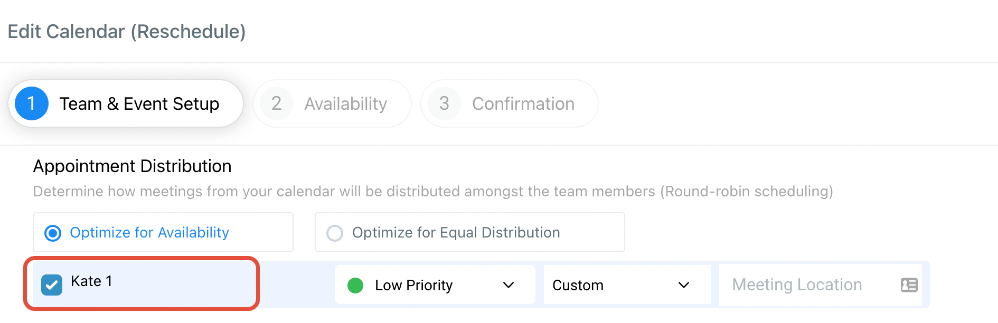
Click on Edit for the Group calendar you are trying to fix:
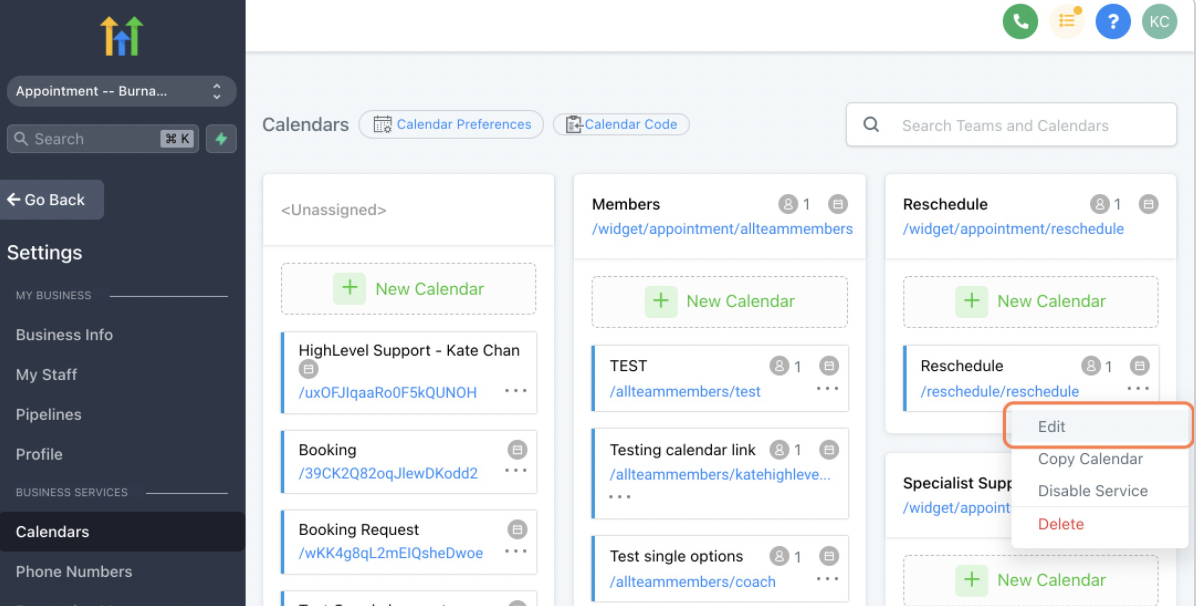
Verify the name of the user
Once you have verified the user who is having issues, please ask them to log into and head into the location settings.
Once you logged in as the user, Go to Settings –> Profile
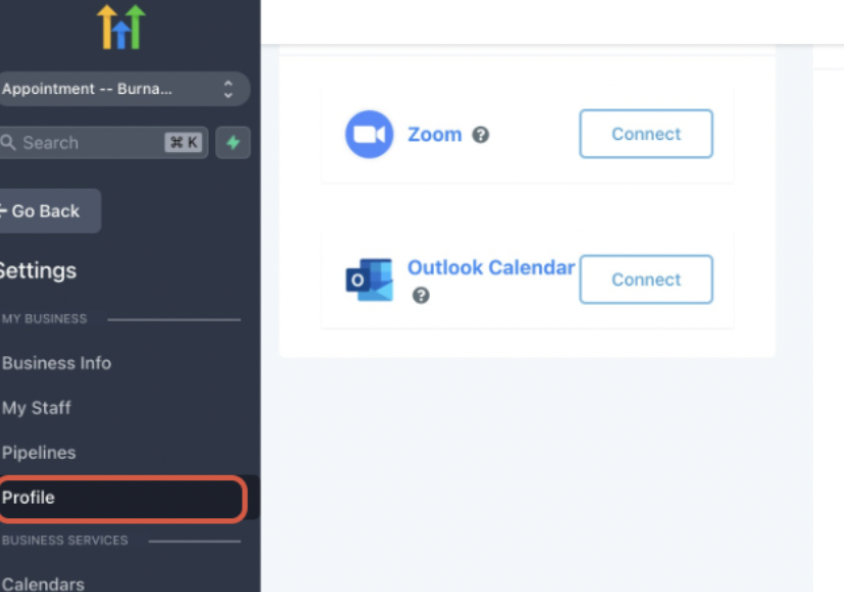
Scroll down to the Edit Check for Conflicts section within their profile
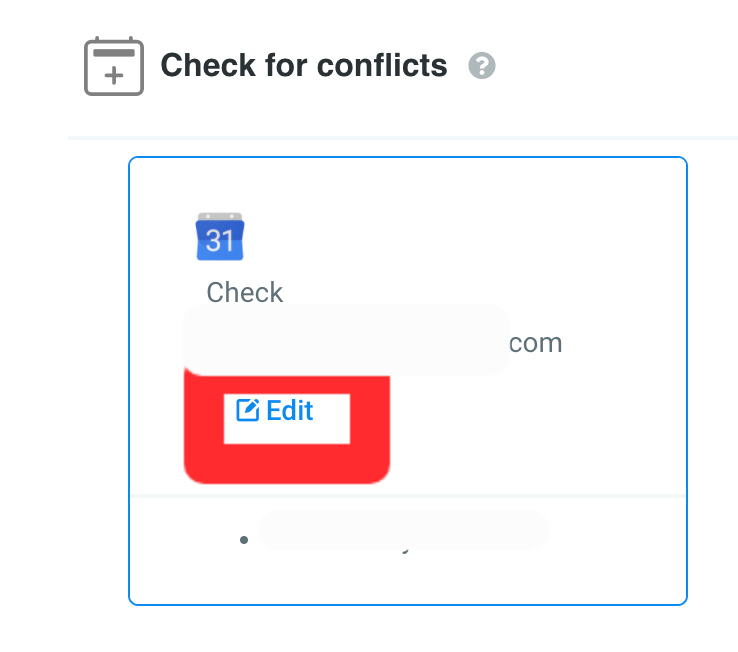
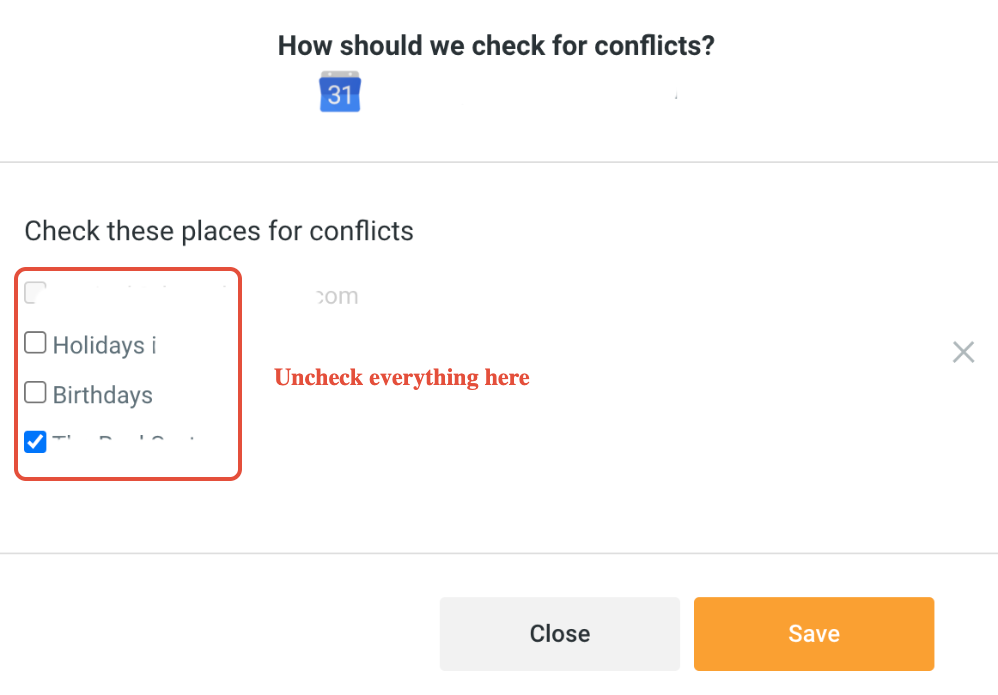
De-select all of the calendars in the Check for Conflicts section and click Save:
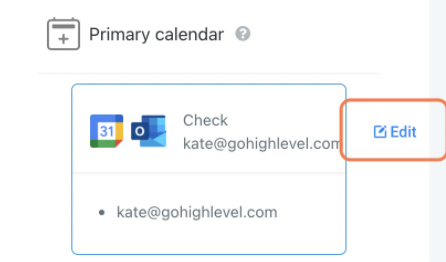
Next is to Edit the primary calendar
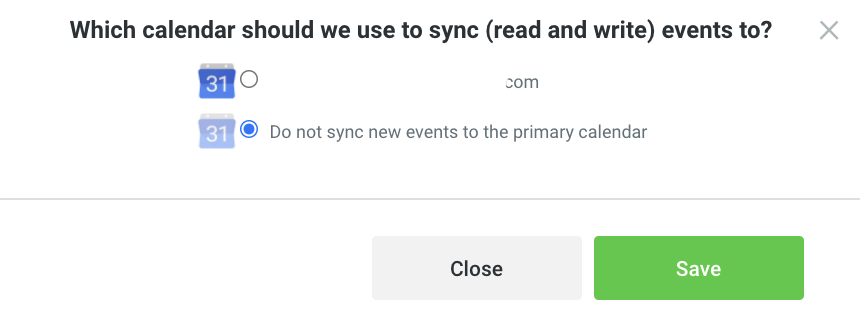
Select Do not sync new events to the primary calendar and click Save
Then Reintegrate the Google calendar from the integrations page as the user
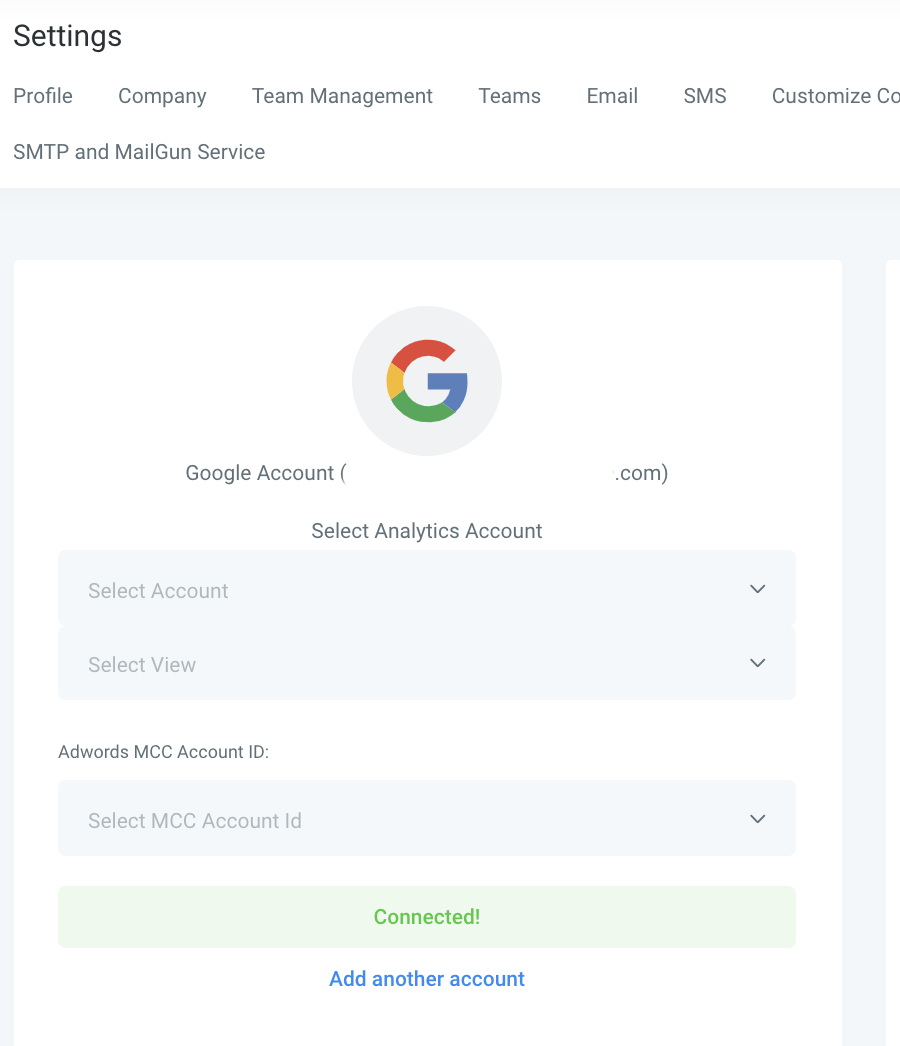
Go to Settings -> Integration-> Click “Rec onnect!”
Come back to the Primary, check for conflicts and configure the calendar again.