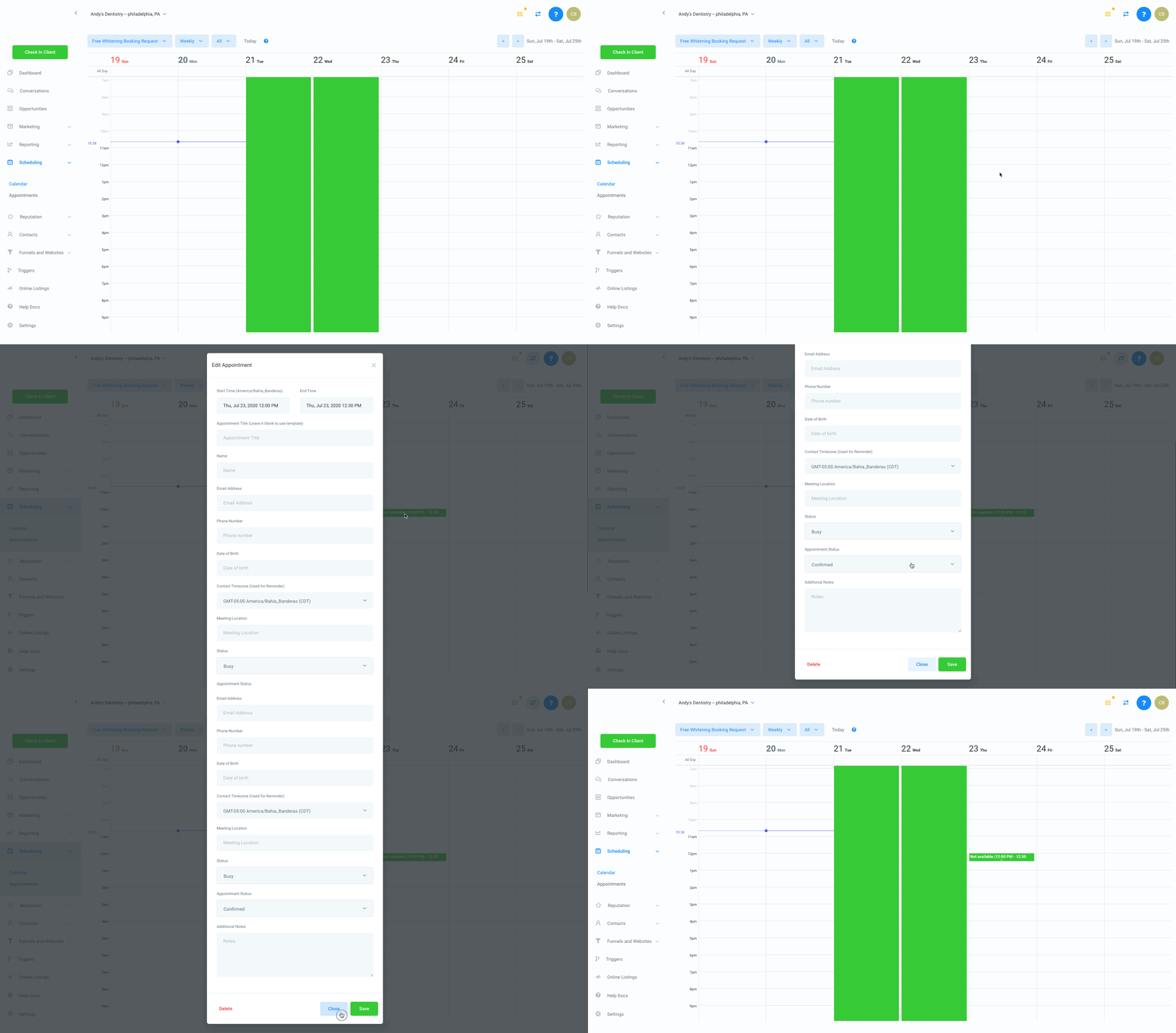
Block Specific Days Or Times On A Calendar Update: For the new group calendar update, only users will be able to block the time once they log in
To block a specific day off within a calendar, go to Scheduling > Calendar, click the “All Day” block at the top of the date that you wish to block off, then click “Close”.
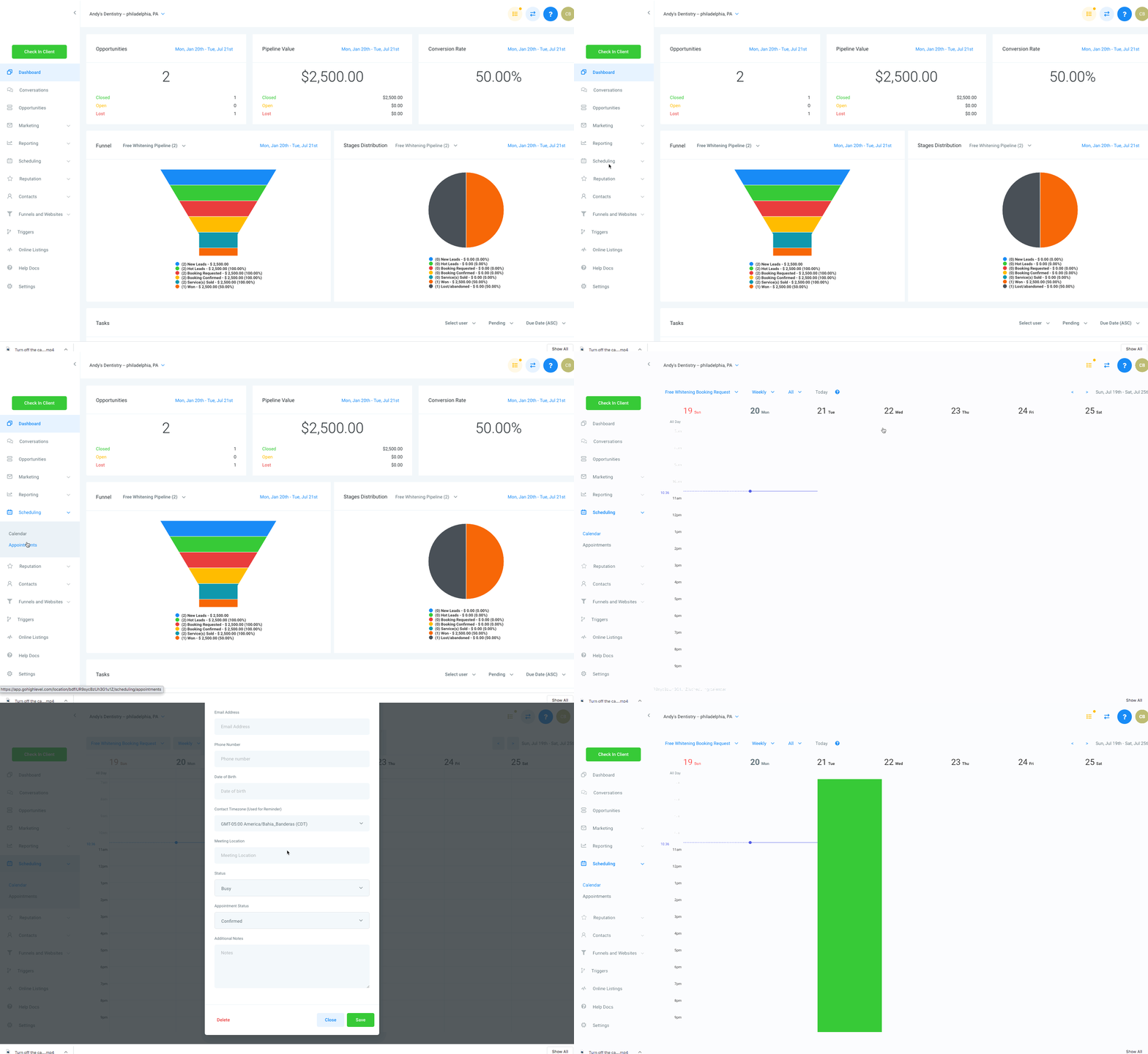
To block a specific time off within a calendar, go to Scheduling > Calendar, click the time you'd like to block, then click “Close”.
Note that you can block off longer lengths of time by adjusting the “End Time” in the popup modal.