Troubleshooting Outbound Calls using Dialer on Desktop Web App
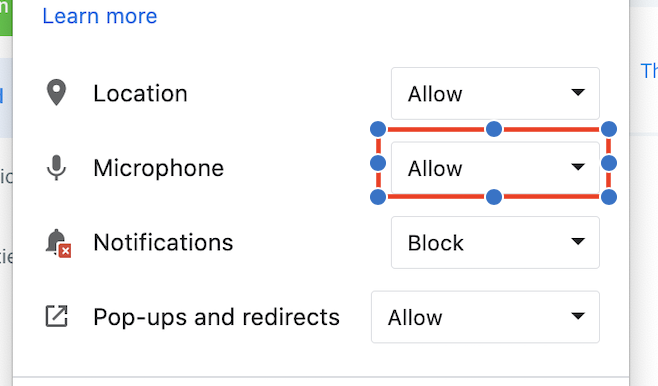
Make sure that the application microphone is allowed
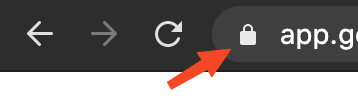
Check if the microphone is allowed for the LevelUp website on your browser:
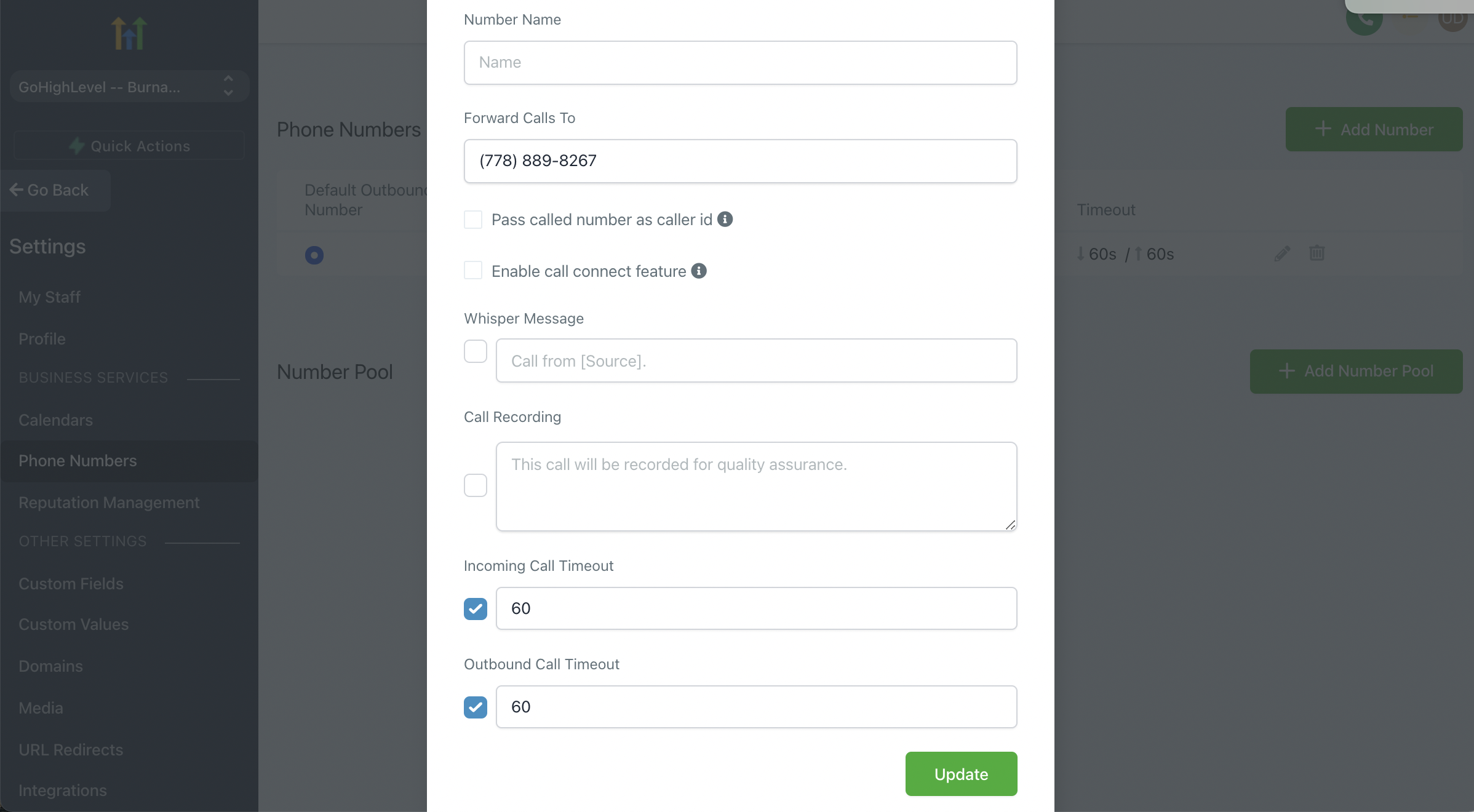
Edit the Twilio number - Outbound Call Timeout - Make sure it's more than 20 seconds and more so it will dial for longer.
Please check if there are any Google extensions (VPN) that might block the call dialling.
Or to disable any VPN within the device
We could try to use the Guest browser of Google chrome where there are no other extensions. And login to LevelUp from the guest browser to make a call.