Funnels:
When the media library is accessed from funnels the following types of media can be uploaded with the corresponding size constraint for different elements
Adding the Image element in a funnel:
When the media library is opened for uploading media for an image element by clicking on
File types allowed:
Type | Extension |
PNG | png |
JPEG | .jpg, .jpeg, .jfif, .pjpeg, .pjp |
TIFF/X-TIFF | .tif, .tiff |
WEBP | .webp |
SVG | .svg |
ICON | .ico, .cur |
GIF | .gif |
Please Note:
plain textMaximum file size allowed:100 MB
Social Planner:
Adding Image:
Social Planner - Allowed File Types
Type | Extension |
PNG | png |
JPEG | .jpg, .jpeg, .jfif, .pjpeg, .pjp |
GIF | .gif |
Please Note:
plain textMaximum file size allowed:10 MB
Adding Video:
Social Planner - Allowed Video Types
File Type | Type | Extension |
Video | avi | .avi |
QuickTime | .qt, .qtc, .mov, .moov, .moov | |
MP4 video | .mp4 | |
Ogg video | .ogv | |
windows media video | .wmv, .asf | |
WebM video | .webm |
Please Note:
plain textMaximum file size allowed:1 GB
Direct Media Library Access:
When the media library is accessed through the following ways all the below-mentioned file types are supported with a file size limit of 30 MB
SITES ➝ MEDIA

SETTINGS ➝MEDIA from the left sidebar menu
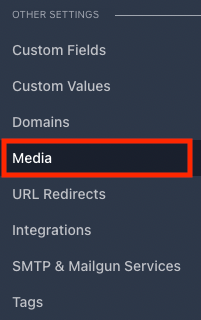
Media Library - Allowed File Types
File Type | Type | Extension |
Image | PNG | png |
JPEG | .jpg, .jpeg, .jfif, .pjpeg, .pjp | |
TIFF/X-TIFF | .tif, .tiff | |
WEBP | .webp | |
SVG | .svg | |
ICON | .ico, .cur | |
GIF | .gif | |
ㅤ | ㅤ | ㅤ |
Documents | pdf | .pdf |
Word Doc | .doc, .docx, | |
Excel | .xls, xlsx, .xlsm | |
ppt | .ppt, .pptx. .pptm | |
text | .rtf, .txt | |
ㅤ | ㅤ | ㅤ |
Video | avi | .avi |
QuickTime | .qt, .qtc, .mov, .moov, .moov | |
MP4 video | .mp4 | |
Ogg video | .ogv | |
windows media video | .wmv, .asf | |
WebM video | .webm | |
ㅤ | ㅤ | ㅤ |
Audio | aif | .aif, .aiff, .aifc |
midi | .midi, .mid | |
Windows Audio | .wav | |
Ogg | .oga | |
WebM audio | .weba |
Other Media Uploads Supported:
Membership:
Course Videos:
Type | File Type |
Video | avi |
QuickTime | |
MP4 video | |
Ogg video | |
windows media video | |
WebM video |
Please Note:
plain textMaximum file size allowed:4 GB
Other Files:
When uploaded by clicking the "Add Files" option under each course,
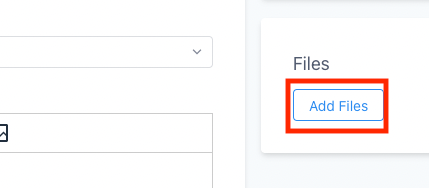
All file types are allowed
Please Note:
plain textMaximum file size allowed:50 MB
Forms and Survey:
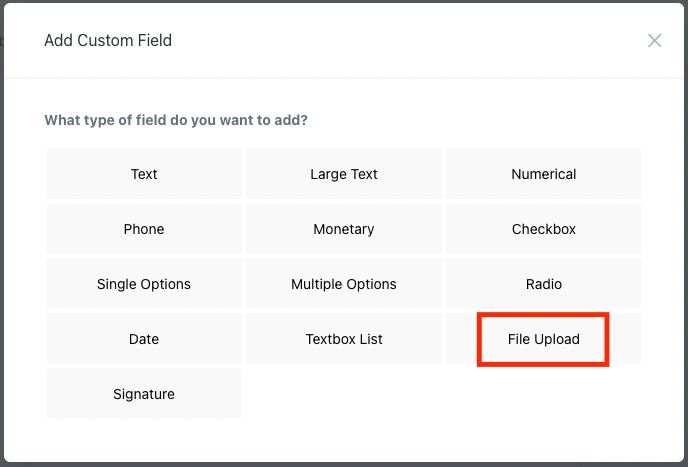
Files can be uploaded in forms and surveys by adding custom fields
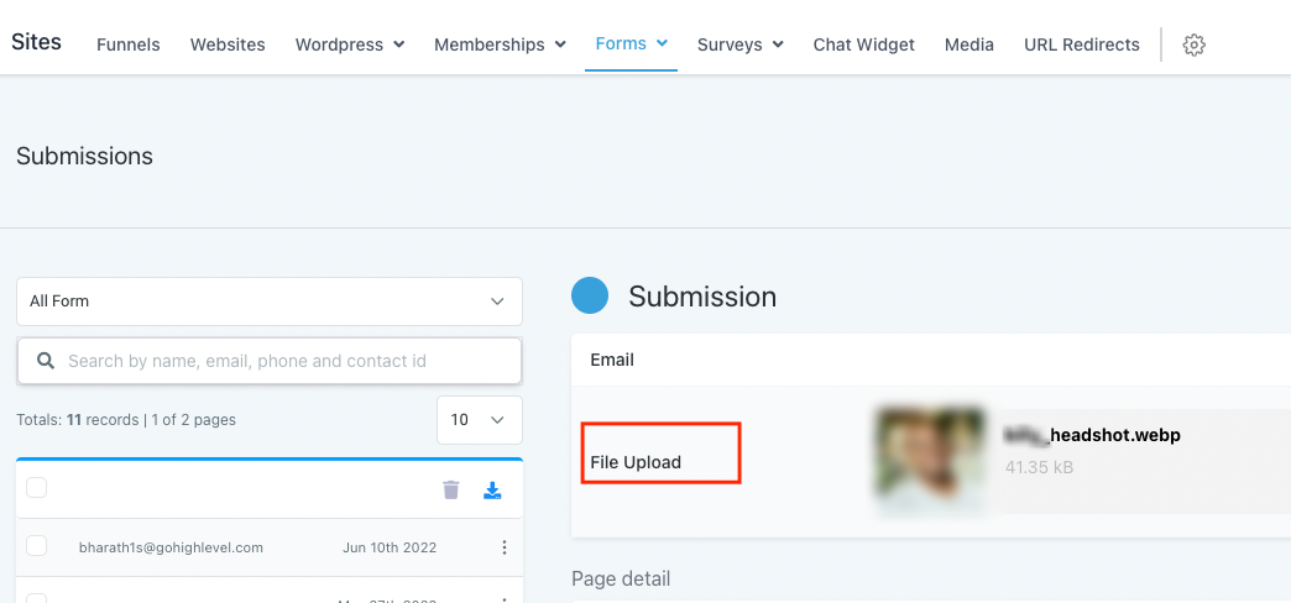
These files can be seen as form submissions or as contacts
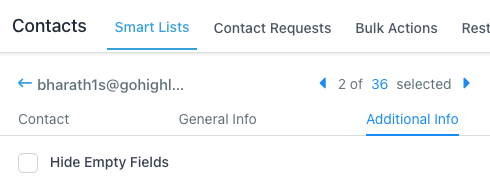
All file types are allowed
Please Note:
plain textMaximum file size allowed:50 MB