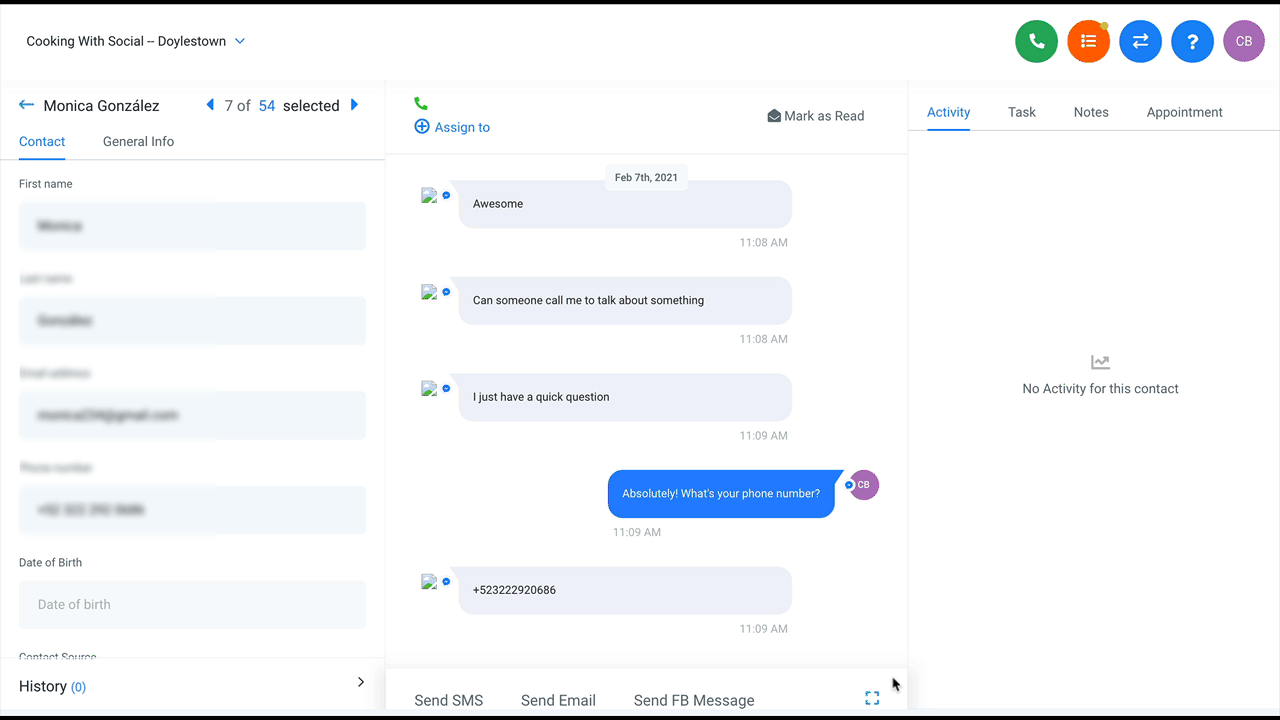
To create Payment Links:
Step 1 - Integrate Account With Stripe:
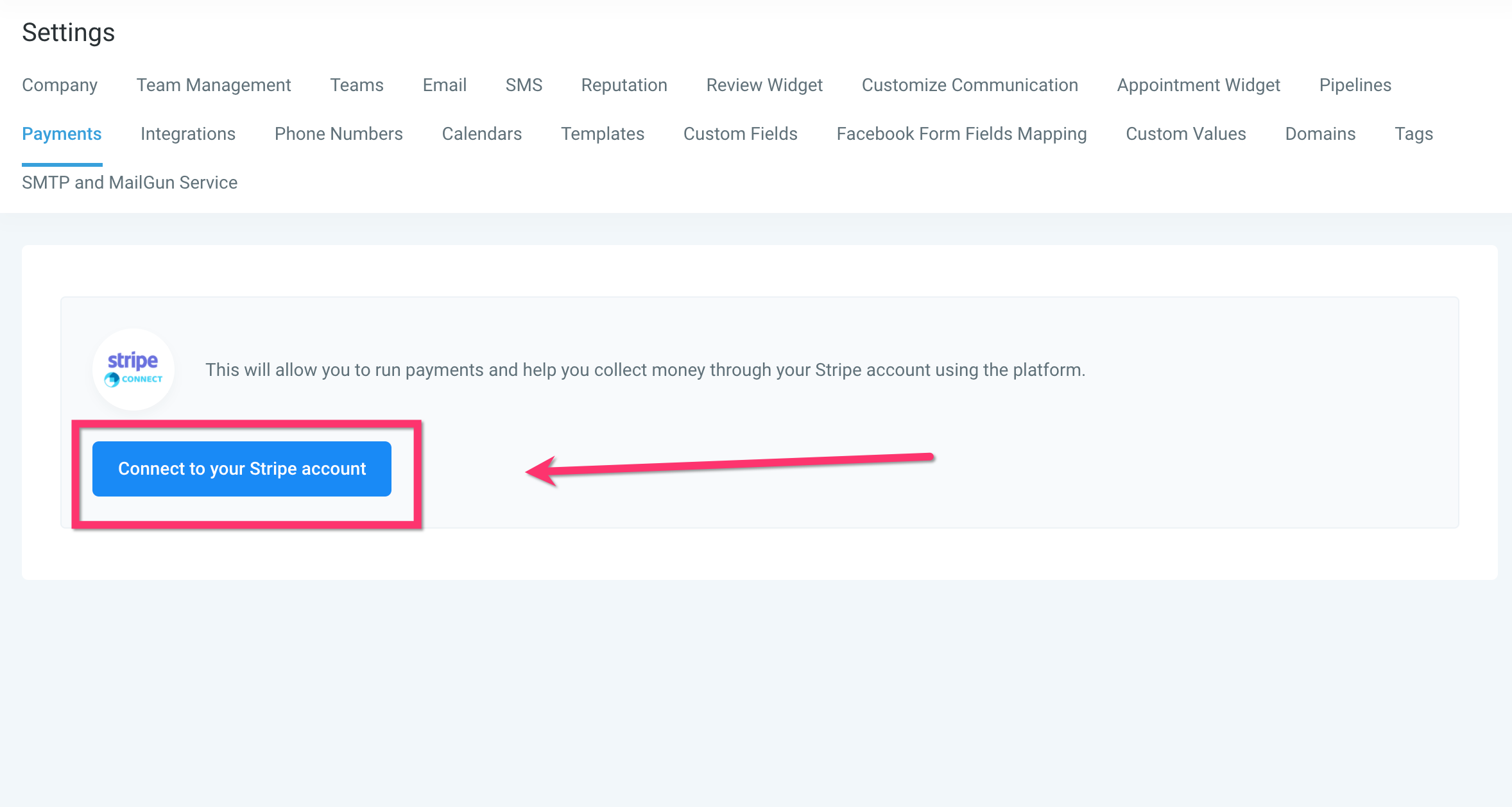
Integrate the sub-account with Stripe by going to Settings Payments and click the “Connect Your Stripe Account” button and follow the steps to integrate Stripe.
Step 2 - Create An Invoice From A Conversation:
Go to a conversation and click the payment icon below the text editor. In the modal that pops up, give the Invoice a name, price, and then set a Link Expiration/Due Date and hit Save. The payment link will then appear in the conversation editor.