How it Works
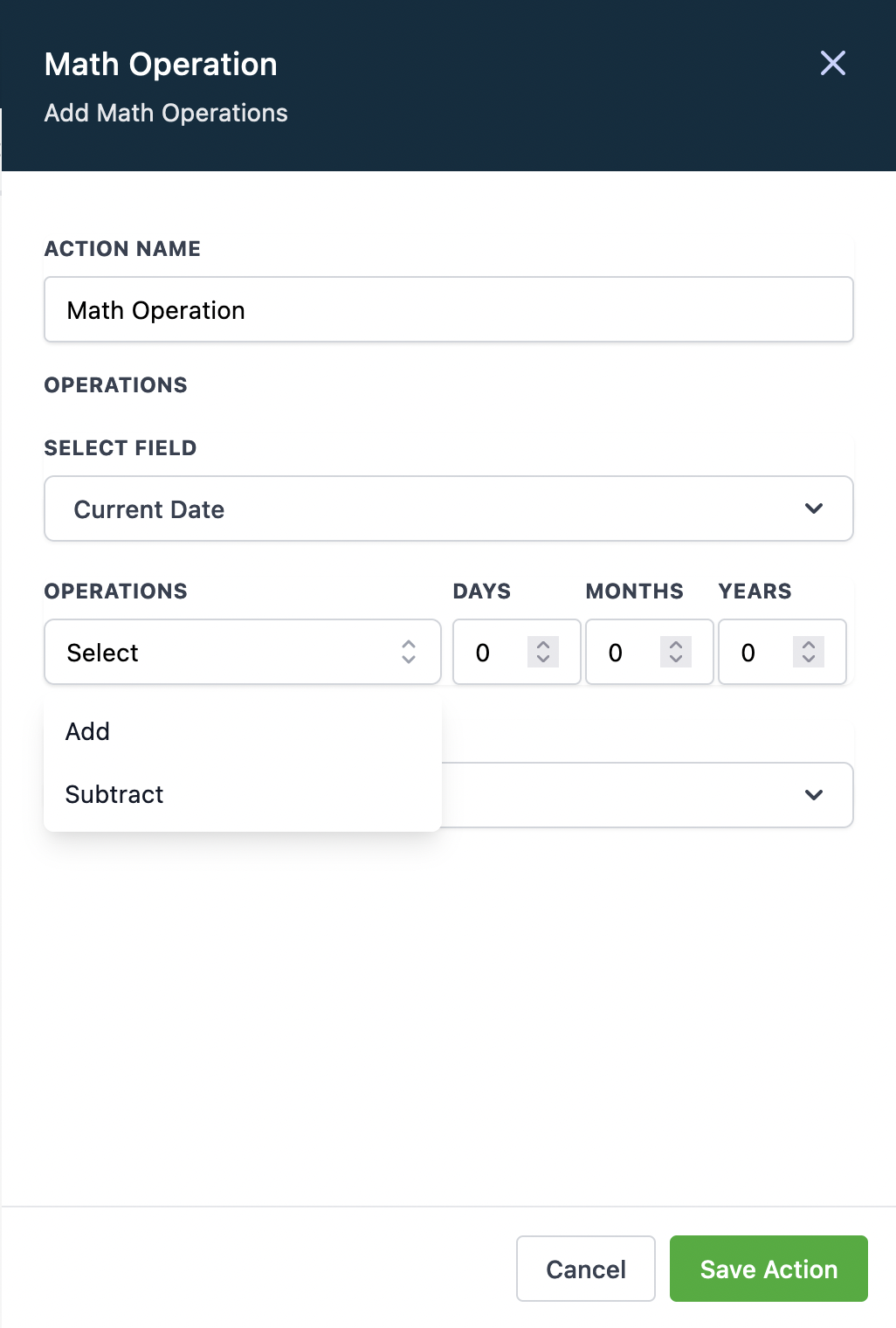
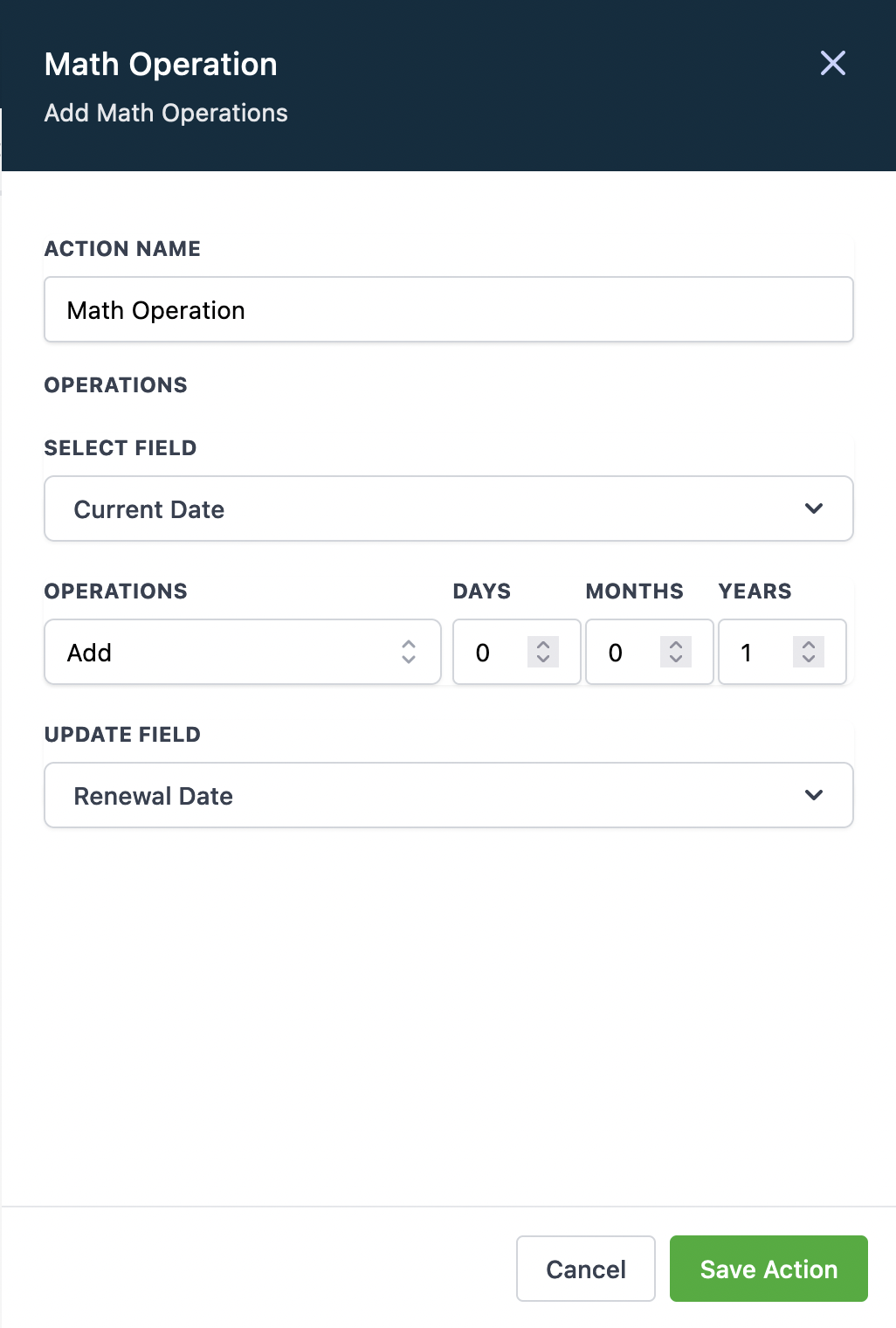
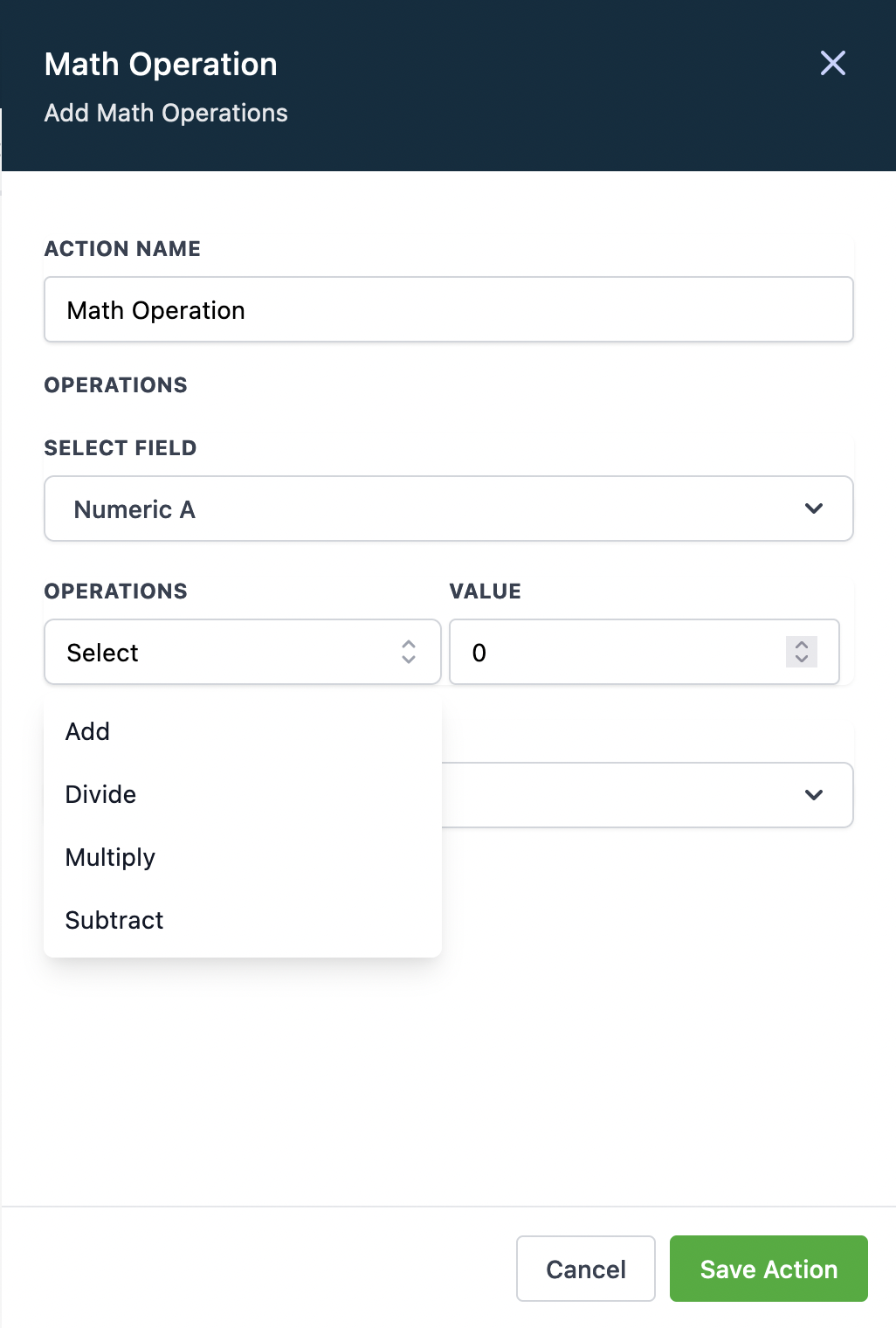
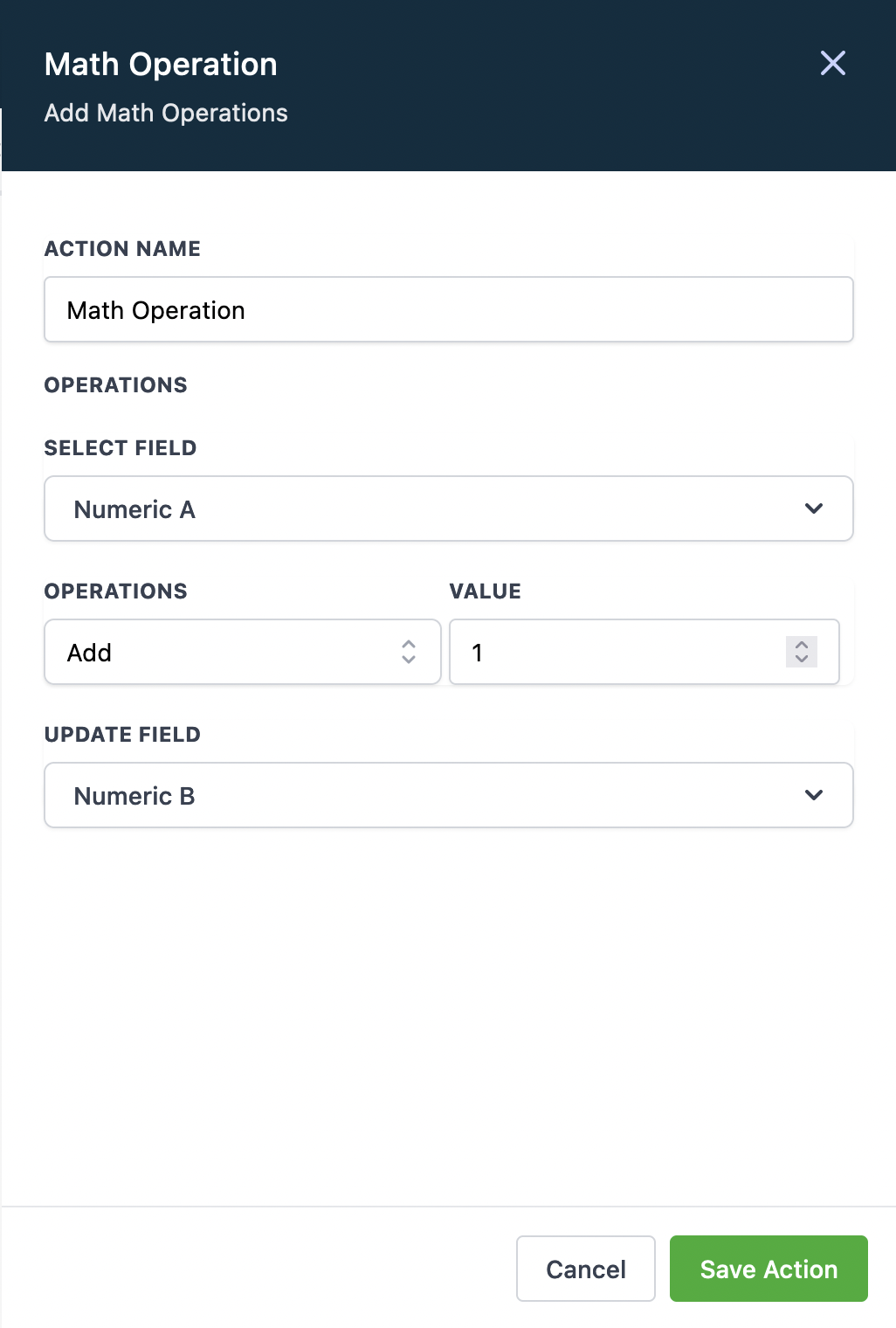
- Select field - select any Numeric / Monetary / Date field as an Input
- Operations - select an operation and enter respective values
- Update field - select any field to update it with the output value (field type should be same as “Select Field”)
Note:
- Only Numeric, Monetary and Date field types are supported. The Select field and Update Field can be same or different but it has to be of same field type. If the output value is negative then it will be replaced as zero.
Numeric / Monetary Field Types
Add, Subtract, Multiply, Divide
Date Field Type
Add/Subtract - Days, Months, Years to Current Date or to any Date type Field